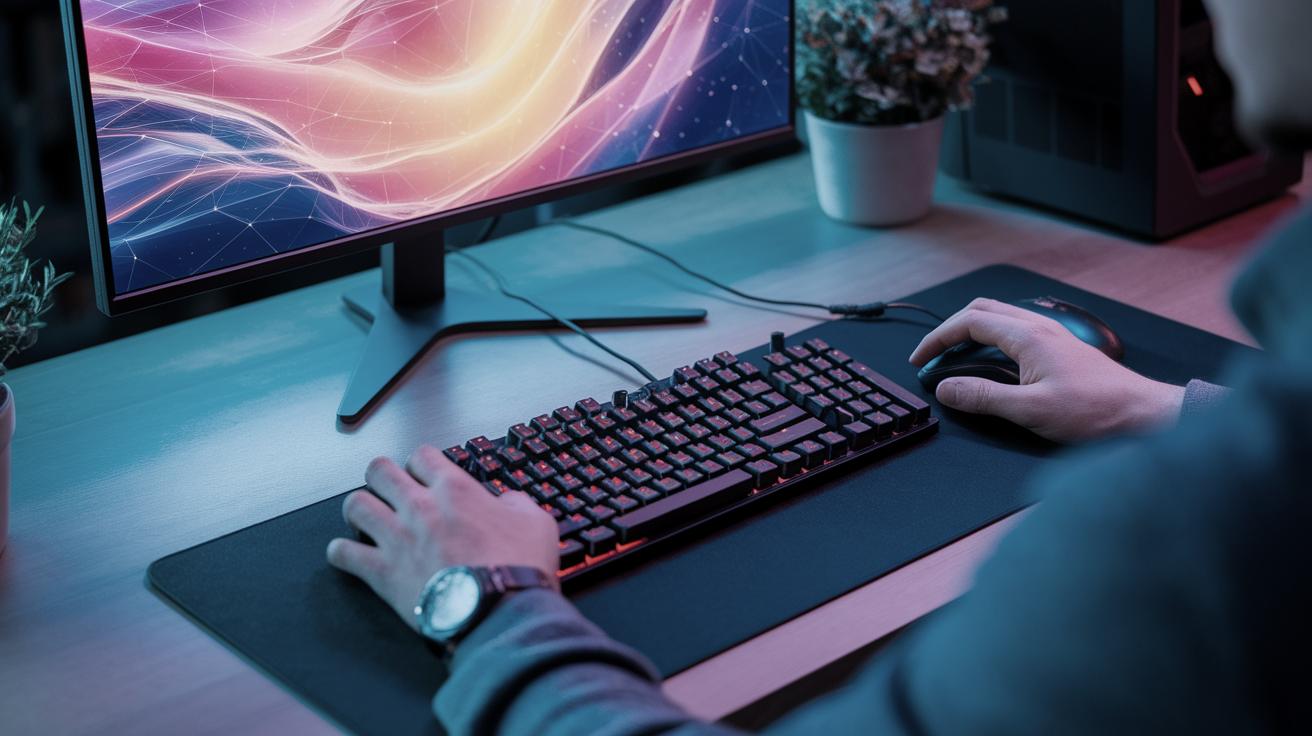
Can You Mix Different Switches on a Keyboard?
For enthusiasts venturing into the world of mechanical keyboards, experimenting with different switches can be as exhilarating as reading a new novel. Mixing and matching switches can provide a tailored typing experience, catering to unique preferences for tactility, actuation force, and sound. In this blog post, we will dive deep into the nuanced world of keyboard switches. We’ll explore what switches are, different switch types, their component parts, and how they can be modified. For those curious about real-world applications, we’ll highlight some special keyboards like the Ducky One 711 and give practical advice on purchasing switches. Lastly, for those who want to delve deeper, we’ll point toward additional resources and courses for more advanced insights.
Syllabus
This blog post is designed to provide a comprehensive understanding of mechanical keyboard switches. We will start with a brief overview of what constitutes a keyboard switch and why it’s significant. From there, we’ll delve into the various types of keyboard switches available, discussing each type’s unique qualities. Understanding the anatomy of a switch is crucial, so we will dissect switch parts to help highlight key differences.
Next, we will guide you through modifying switches, including mixing different types for custom keypress experiences. Additionally, we will cover other ways to alter and customize your switching experience, analyzing the benefits and potential downsides. To provide some real-world context, we will spotlight specific keyboards and where you can buy switches for your customized creations. Finally, this post will offer resources for further reading and learning avenues for those wanting to expand their knowledge beyond the basics.
What is a keyboard switch?
A keyboard switch is a component housed underneath each key on a mechanical keyboard. Its primary role is to register every keystroke, thus acting as the key’s communication layer with the computer. Beneath the simple exterior button lies a more complex mechanism that decides the sensitivity, feel, and sound of each keystroke.
Mechanical switches differ from the rubber dome solutions often found in traditional keyboards. They use spring-loaded mechanisms that provide tactile or auditory feedback, adding layers of user-defined satisfaction to the typing experience. The choice of switch can significantly alter not just comfort but also productivity, making it essential knowledge for enthusiasts and professionals alike.
Switch Types
The world of mechanical keyboard switches is vast and filled with diverse options. A few predominant categories include linear, tactile, and clicky switches, each offering distinctive characteristics. Linear switches provide a smooth and consistent actuation without any tactile bump, making them ideal for gamers seeking uninterrupted action.
Tactile switches come with a noticeable bump mid-press, adding a layer of feedback that confirms the keypress without reaching the bottom. Clicky switches take it a step further by including both a bump and an audible click, reminiscent of old-school typewriters. Each type has a loyal following, and understanding their differences is the first step in mixing switches for a personalized keyboard setup.
Switch Parts
The anatomy of a switch is composed of several critical parts including the stem, housing, spring, and the electrical contacts. The stem interacts with the keycap atop the switch, dictating its movement and ultimately the feel of the switch. Beneath it, the spring determines the force required to press the key and also affects how it returns to its original position.
Switch housing encases all these components, offering protection and contributing to the acoustic properties of the switch. The last piece of this puzzle is the contact leaf, crucial in registering a keypress. Together, these parts define the switch’s personality, often driving the choice of keyboard enthusiasts in mixing or modifying their keys.
Modifying Switches
Modifying switches is not just about combining different types; it’s about tailoring your keyboard to your specific needs. A popular method is “swapping,” where you physically replace switches on a hot-swappable keyboard to try different switch types. This flexibility allows users to test out different combinations without soldering, leading to a mix-and-match experience.
Another common modification is lubing, which involves applying lubricant to switch components to reduce friction and noise. Film mods can also be employed to limit movement within the switch’s housing, enhancing its stability. These techniques can be combined with switch mixing to achieve just the right feel and sound, further personalizing the typing experience.
Other Switch Alterations and Choices
Beyond basic switch modifications, users have a plethora of options to refine their keyboards. Using custom keycaps, altering spring tensions, or even applying dampening rings can drastically change the typing experience. These alterations provide an opportunity for creativity while ensuring the keyboard aligns closely with user preferences.
It’s essential, however, to approach modifications with an understanding of potential trade-offs. Mixing switches can yield phenomenal results, but compatibility and the overall performance might be compromised if done improperly. Careful consideration and perhaps even consultations with experts or community forums can be invaluable to ensure a successful modification journey.
Ducky One 711 Multi LED Double Shot PBT Mechanical Keyboard (Cherry MX Mixed)
The Ducky One 711 is a unique keyboard that proudly showcases the concept of mixed switches. It leverages the Cherry MX series, combining different switch types for a diverse typing and gaming experience. Cherry MX switches are known for their reliability and distinct characteristics, making them ideal for custom setups.
This keyboard offers enthusiasts a broad canvas to experiment with switches, letting users adapt to different tasks seamlessly. Whether it’s office work, gaming, or casual browsing, the Ducky One 711 stands as a living testament to the potential of mixed switches in enhancing user satisfaction.
Buy Switches
When looking to purchase switches, several retailers cater to mechanical keyboard enthusiasts. Online marketplaces like Amazon provide a wide range of options, but for a more specialized selection, websites dedicated to keyboard components such as MechanicalKeyboards.com or NovelKeys are invaluable.
These retailers offer detailed descriptions and user reviews, assisting buyers in making informed decisions. Some even provide switch testers kits, allowing keyboard builders to try out a range of switches before committing to a full set. This can be tremendously helpful in preventing buyer’s remorse and ensuring that each key fits perfectly within the custom ecosystem you envision.
Further Reading
For individuals seeking greater depth in understanding mechanical keyboards, numerous online resources delve into switch technologies and keyboard customization. Communities on Reddit, such as r/MechanicalKeyboards, frequently discuss user experiences and provide advice on switch combinations.
Books and detailed guides authored by keyboard aficionados offer comprehensive insights into the world of mechanical switches. Digital publications and blogs often feature breakdowns of popular switch types, reviews, and modification tutorials, creating a reservoir of knowledge for both beginners and seasoned typists.
Mechanical Keyboards 101 Courses
For those new or looking to formalize their knowledge, enrolling in a Mechanical Keyboards 101 Course can be highly beneficial. These courses cover the fundamentals of switch types, modifications, keyboard layouts, and ergonomics, offering a structured learning environment.
These courses, often available online, are structured to fit different learning paces, ranging from brief introductory lessons to in-depth modules. This structured learning can demystify complex concepts, offering you a solid foundation for DIY customization and enhancing your confidence when modifying keyboards.
Final Thoughts
| Section | Content Summary |
|---|---|
| Syllabus | Introduction to the topic, outlining what will be discussed in terms of keyboard switches. |
| What is a keyboard switch? | Explains the function and importance of keyboard switches in a mechanical keyboard setup. |
| Switch Types | Details various mechanical switch types like linear, tactile, and clicky. |
| Switch Parts | Covers the components that make up a switch, such as stem, housing, spring, and contact leaf. |
| Modifying Switches | Discusses switch modification techniques like lubing and swapping. |
| Other Switch Alterations and Choices | Explores creative alterations and advises on the potential impacts of modifications. |
| Ducky One 711 Multi LED | An example of a keyboard utilizing mixed Cherry MX switches for a customizable experience. |
| Buy Switches | Provides where to purchase switches and equipment for trying out different switches. |
| Further Reading | Recommends online resources and communities for detailed understanding and exploration. |
| Mechanical Keyboards 101 Courses | Introduction to courses for acquiring foundational knowledge on mechanical keyboards. |